Adding Finance Documents

Adding Finance Documents

Overview

This shows you how to add finance documents to your website.  First you need to create a content page for your new accounts year. Then you need to add this page to the Finance Signposting Page.

Method

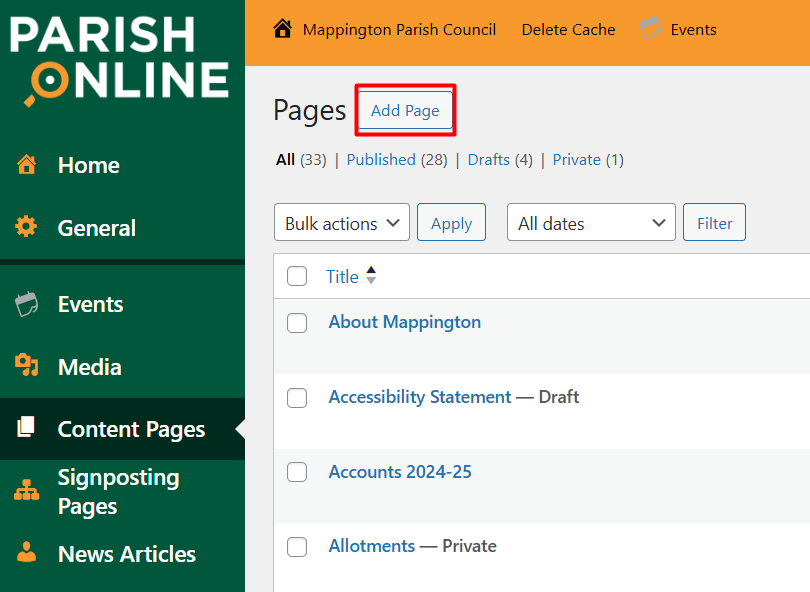
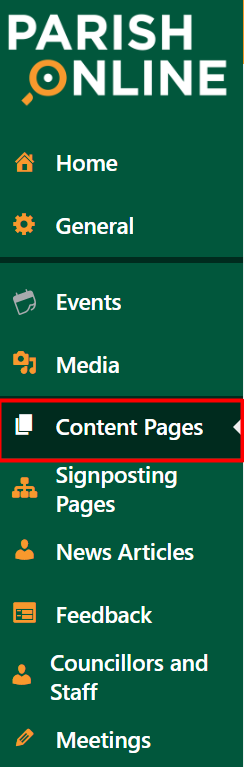
  1. Click on 'Content Pages' in the left-hand panel
  2. Click 'Add Page'

  3. Give your page a title

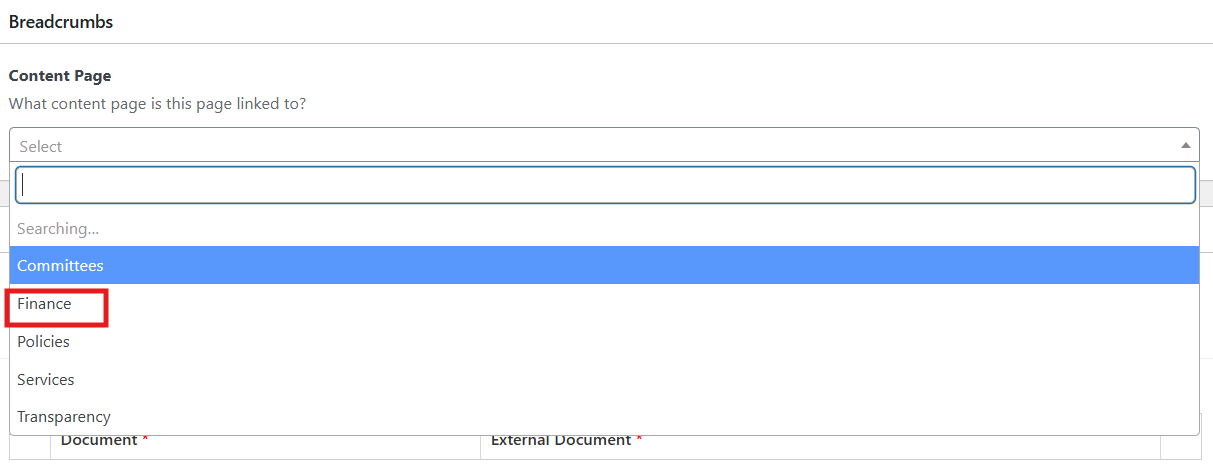
  4. Under Breadcrumbs, select which section of the site it should be in.  This does not link it to the page; it helps with search accuracy.
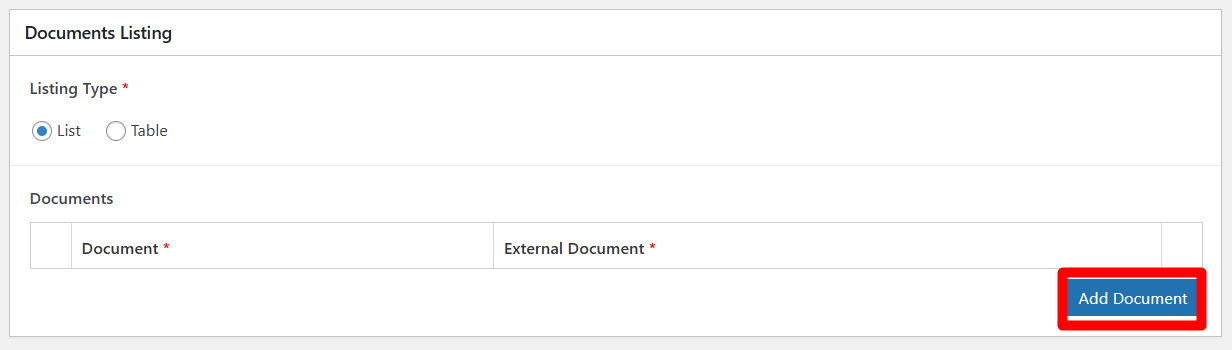
  5. To add documents, click on Add Row

  6. Click "Add File"
  7. This will open up your media file.  If you've already added your file to the media library, you can select it from there, and click on select at the bottom of the window.  Otherwise, you can drag and drop it form the folder on your computer and click  Click 'Publish' on select at the bottom of the window.
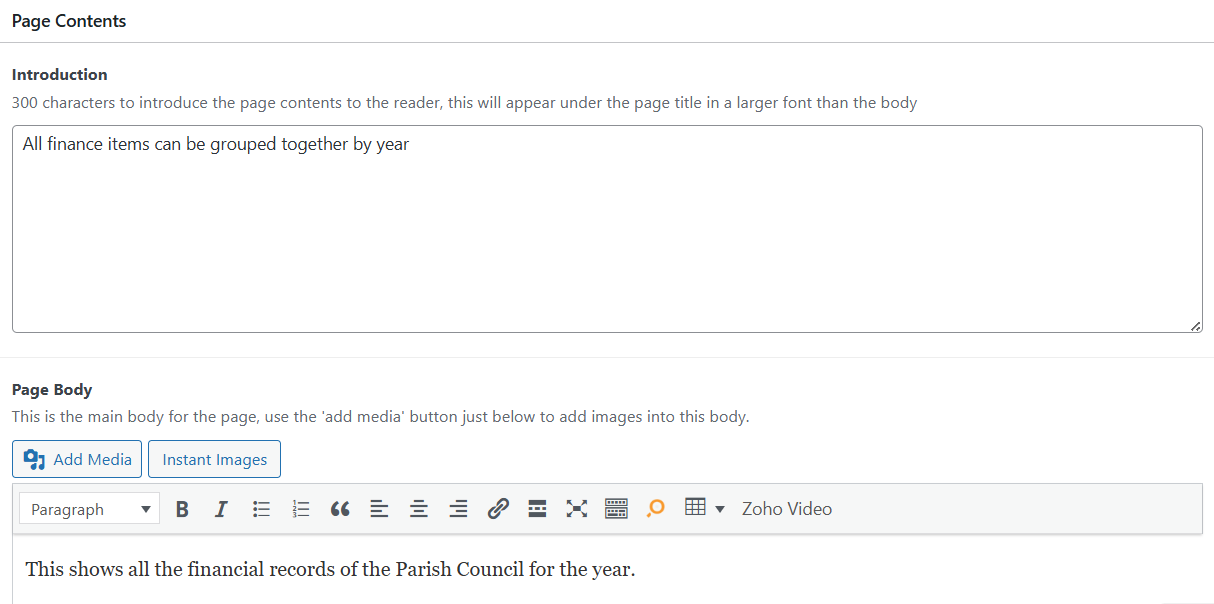
  8. Now you just need to complete information about the contents of your page as required
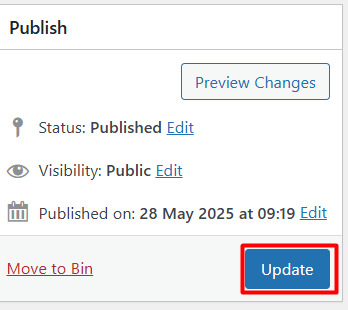
  9. Finally, make sure to click update to save your changes.
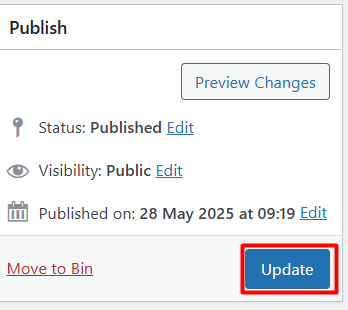
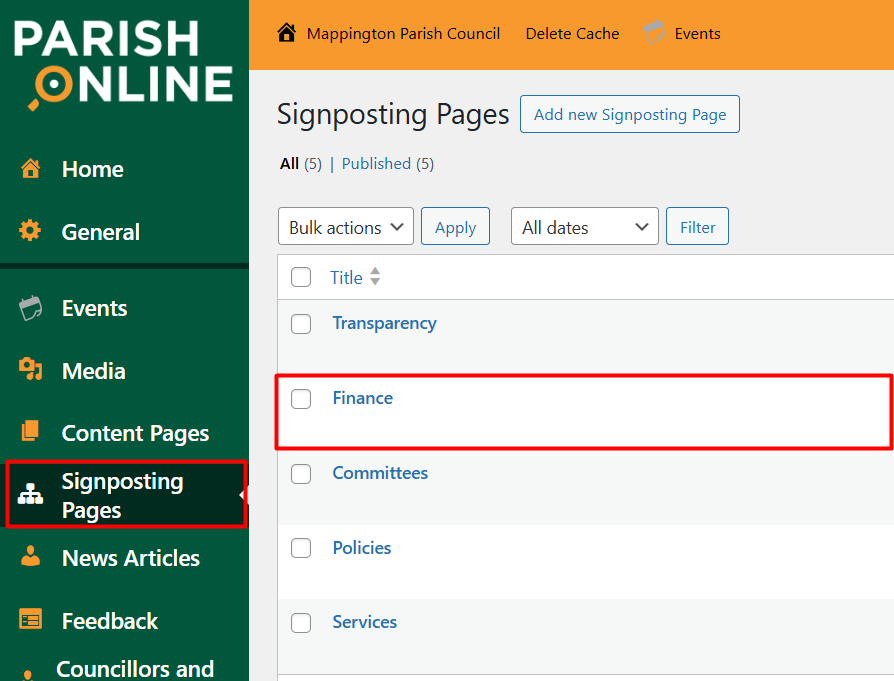
  10. Now, you need to go to the Finance Signposting Page

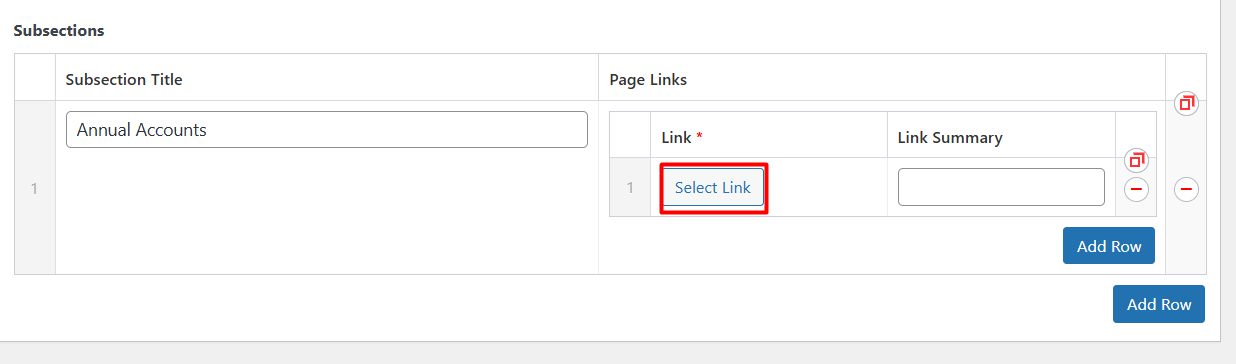
  11. Under Landing Page, choose the subsection Title where you want your document to sit (you can create new subsections by clicking the lower Add Row button), click Add Row
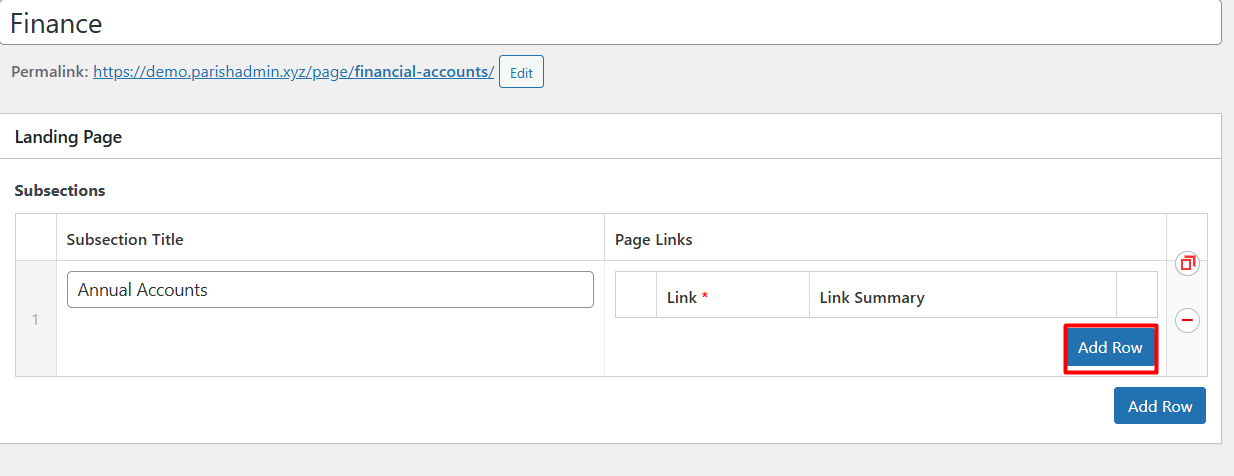
  12. Click on Select Link

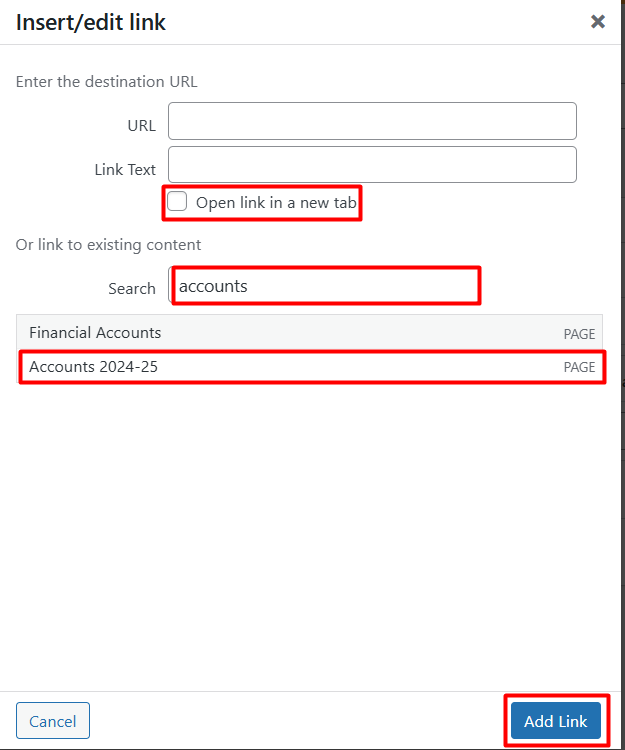
  13. This will open up the list of existing Content Pages which you have created.  In the search box, start typing the name of the content page you want to add to your Signposting Page.  When the content page you want comes up in the list, select that, click on the "open link in a new tab" and click Add Link.
  14. Add the Link Summary Text - this is a description of what's on the link page.
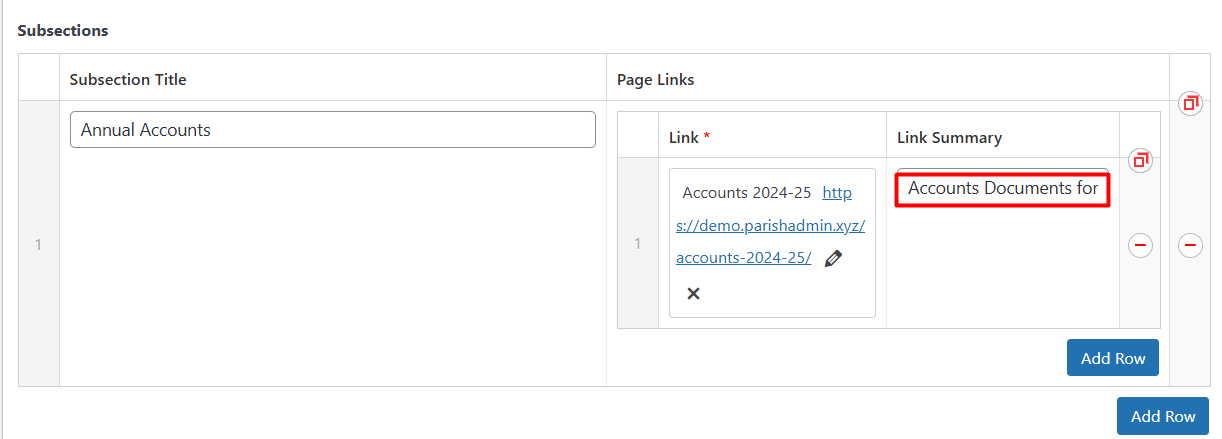
  15. Make sure to update the page.


    • Related Articles

    • Adding an Upcoming Meeting

      Overview How to add meetings in advance. Adding meetings in this way will add future meeting to the Upcoming Meetings on the Homepage. For details on how to add the agenda and minutes, see the separate knowledgebase articles. Method Log into the ...
    • Creating Content Pages

      What are Content Pages? Pages are where you can store information for things like: Community Groups Transparency Documents Services and much more. Content Pages are designed to be placed in the list under Transparency or Services. This means it'll be ...
    • Can I edit the DNS myself?

      No, this is strictly controlled by Parish Online for security reasons. If there are DNS records you'd like adding, for a mass mailing system for example, please send them in a support email and we'll review and add them.
    • Adding Top-level menu items

      Overview This shows you how to add a new Page or Signposting Page to your top-level menu for your website. Advice Whilst there is no limit to adding new menu items, it is strongly advised to keep the number of links at the top-level menu as low as ...
    • Downloading documents from emails

      Overview If you've received an email with an attachment this shows you how to open the attachment. Method In the email, scroll down to the attachment. Select "download" Go to the downloads at the top right of the window and select open file. Where ...