Setting up your GOV.UK email with our mobile app
Overview
You can set up your .gov.uk mail on your phone. We would recommend that you use the Zoho Mail Apps as this is easiest way to do this. We are not able to provide support for 3rd Party Apps.
Video
Method
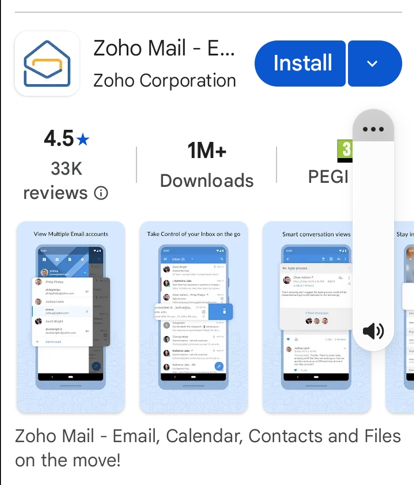
1. Go to Google Play or Apple app Store to download the app
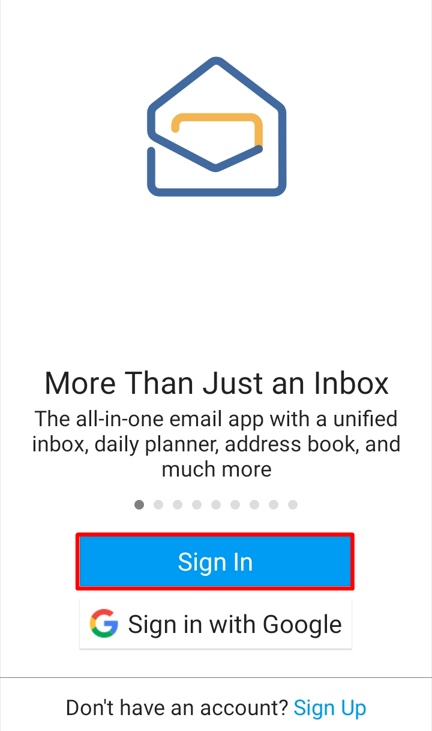
2. Open the app and click Sign In
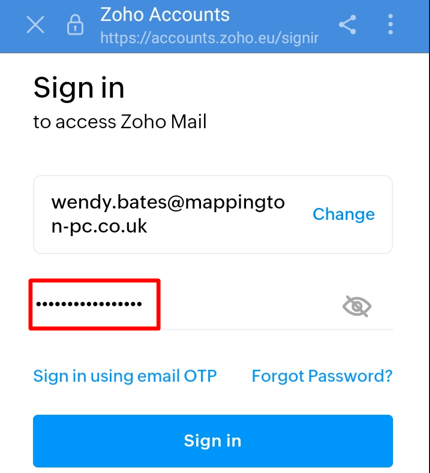
3. Enter you .gov.uk email address and click next
4. Enter you password and click "Sign In"
5. If you've got two factor authentication set up, you'll need to do this using the method that you have selected
6. You're all set up and ready to use your email.